
Installation & Activation
1. Download LuaHook
Go to the GitHub Latest Releases Page, download the latest LuaHook installation package, and install it on your device.
2. Activation Methods
LuaHook currently supports two activation methods: Root Activation and Shizuku Activation.
Method 1: Root Activation
- Ensure your device has Root access and authorize LuaHook via a Root manager such as KernelSU.
- Grant Root permission to LuaHook in your Root manager:
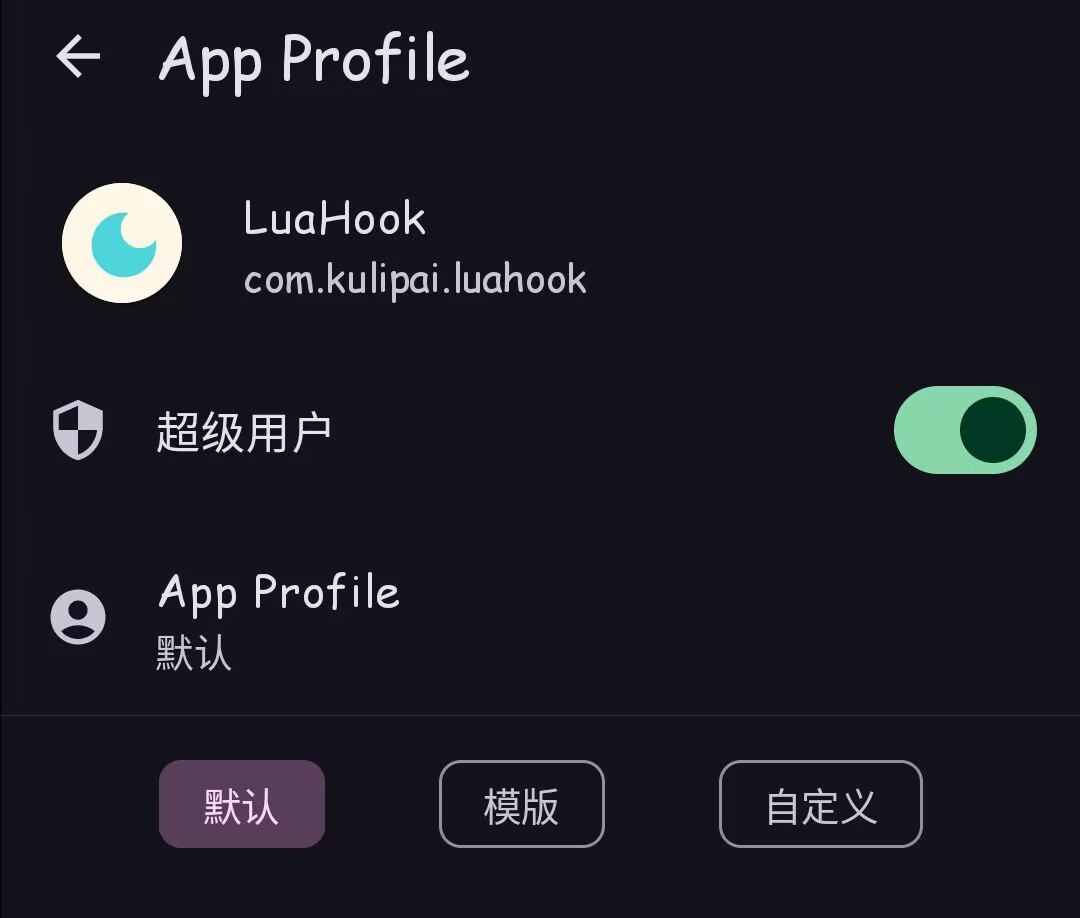
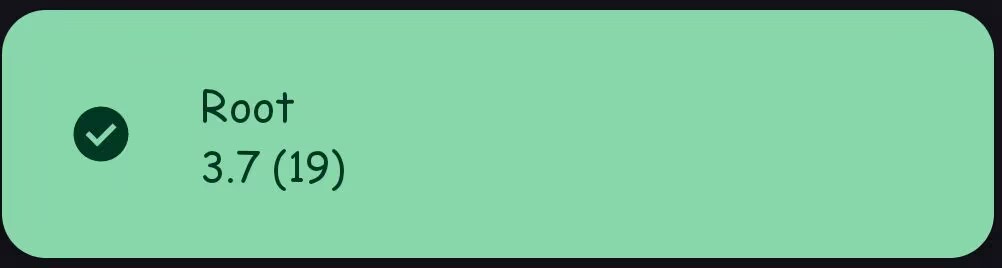
- After authorization, reopen LuaHook. If the interface looks like this, activation is successful:
Method 2: Shizuku Activation
- Download and install Shizuku, and follow the official guide to activate the Shizuku service.
- Launch the LuaHook app. Upon first launch, an authorization prompt will appear:

- Click Always assume, and after authorization, activation is successful, as shown below:

📘 The next tutorial will guide you through writing your first LuaHook script.